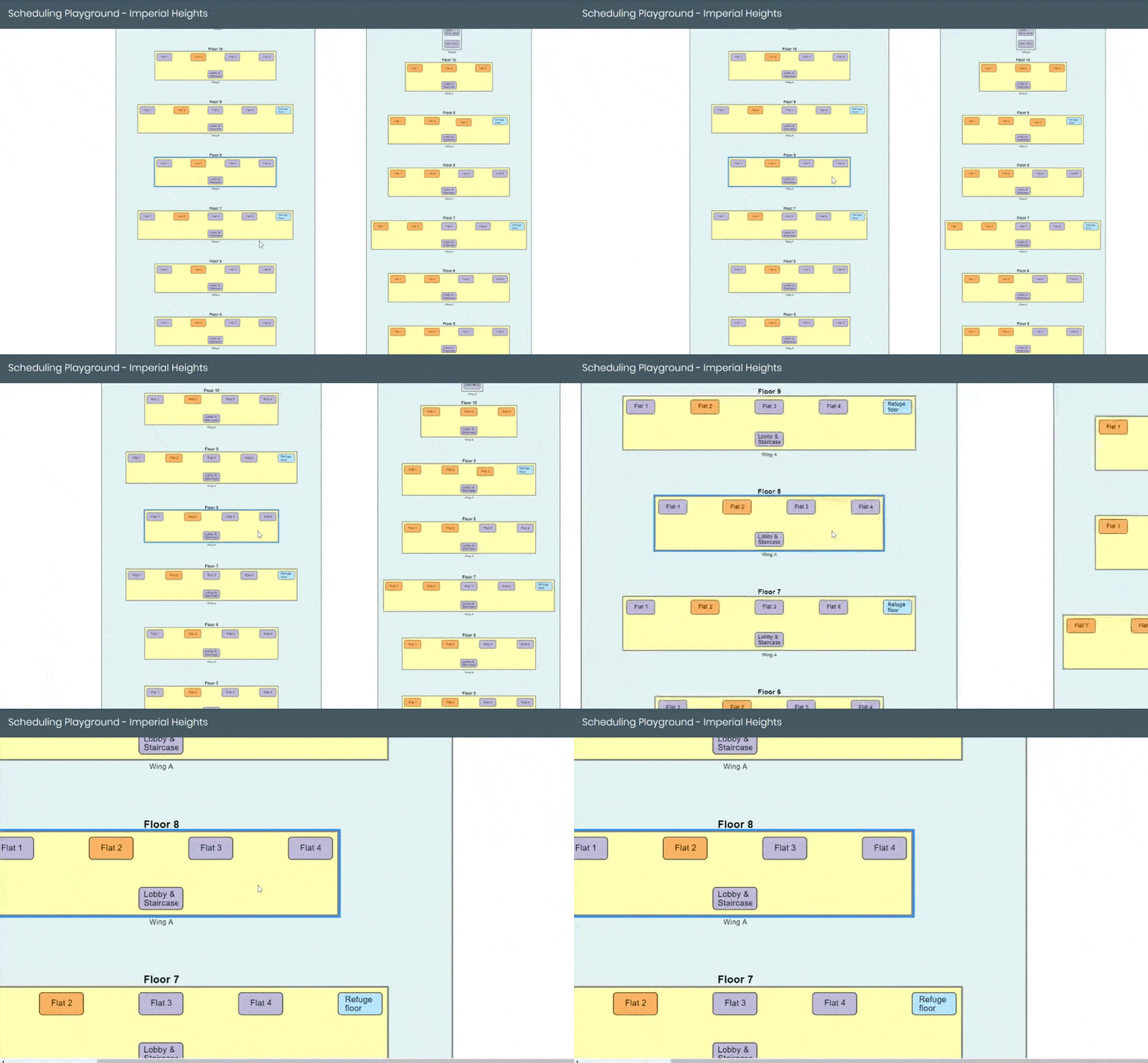
The problem most teams are still living with

Planning meets execution

Planning quality depends on field input quality. A structured execution layer removes the manual handoff between site teams and planners.

Primavera and MSP — same problem

Whether your team uses Primavera or Microsoft Project, the field-to-schedule update problem is similar — and so is the fix.

Understand the update cycle

Schedule revisions are only useful when they reflect what the field team actually reported, not what the planner last managed to collect.

Construction schedule update gap between field progress and planning team review

Why schedule updates are often slower than they should be

Planning tools are powerful, but they depend on timely and structured progress signals from the field. That is usually where the breakdown happens.

If the field-to-office update process is weak, schedule quality suffers no matter which planning tool the team prefers.

  • Manual follow-up slows update cycles
  • Informal reports are hard to trust
  • Planners spend time collecting status instead of analyzing it
  • Leadership sees delayed schedule insight
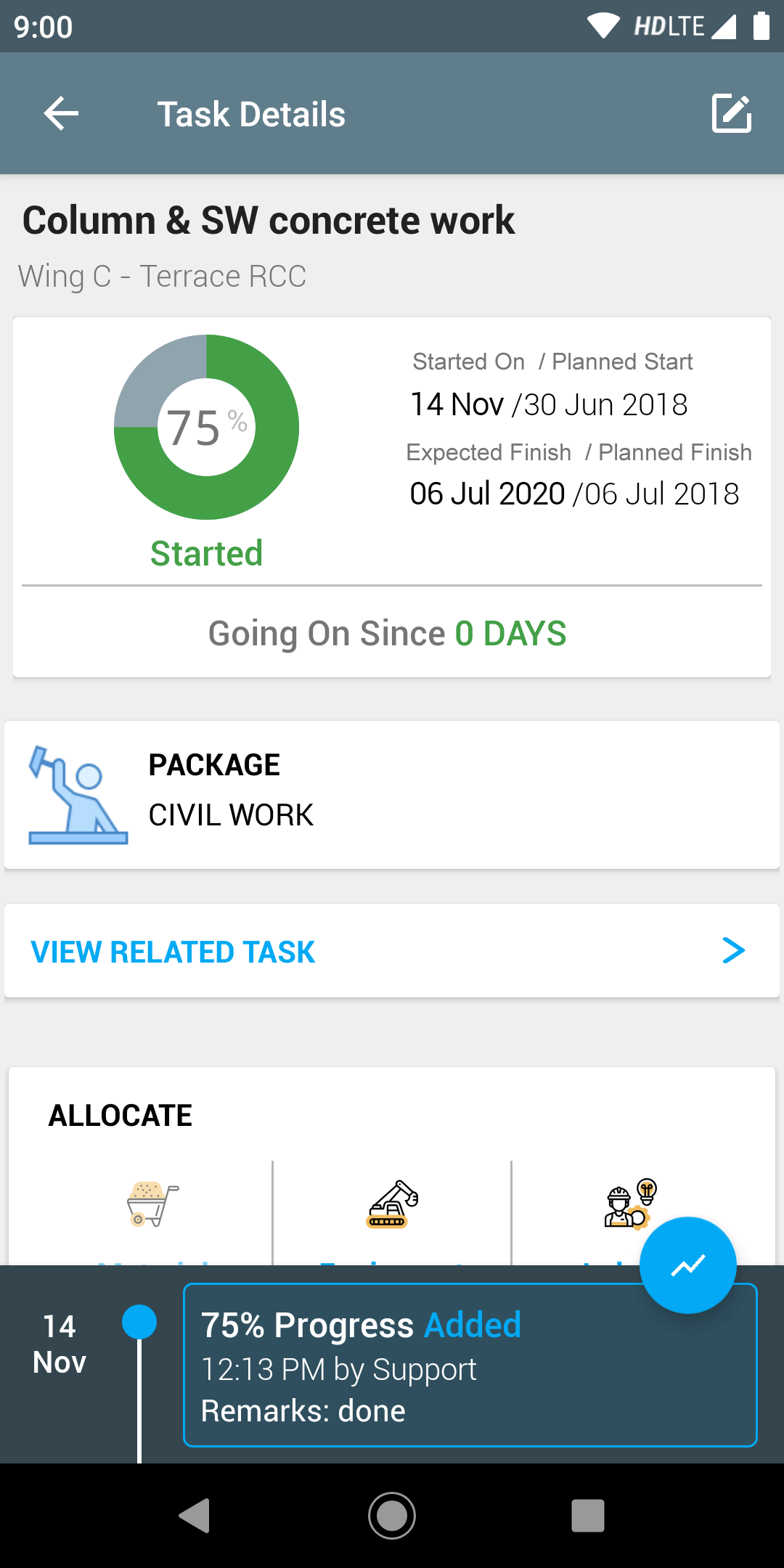
Field progress update workflow supporting Primavera and MS Project integration

Primavera and Microsoft Project — how field updates work with each

Primavera users typically work with XER files and WBS-driven schedule management. SuperWise supports XER import so teams can start from their existing baseline, then update activity progress from mobile. For Microsoft Project users, the process uses MPP file import and the same structured daily update workflow.

In both cases, the goal is to give planners reliable field inputs instead of requiring them to chase progress manually.

Primavera and MS Project field update guide connecting site to schedule management

Build a better field-to-schedule update process

The field update process works best when it runs alongside existing reporting rhythms. Field engineers update activity progress as part of their daily workflow — not as a separate task for the planner.

Those updates reduce the time planners spend collecting status and increase the time they spend on analysis and decision support.

  • Structured daily progress inputs from field engineers
  • Cleaner data for planners to review and act on
  • Faster schedule revision cycles with less manual reconciliation
  • Better visibility for leadership on schedule health and risk

70+

Projects

500+

Active Users

3500+

Purchase Orders

20000+

Material Deliveries

Frequently Asked Questions

Is this guide meant only for planners?

No. PMCs, project managers, and leadership teams also benefit because schedule quality depends on how field updates move into planning.

How is Primavera integration different from Microsoft Project integration in SuperWise?

Both use file-based import and export but the schedule structure is different. Primavera uses XER files with WBS-driven activity hierarchies, while MSP uses MPP files with a more task-oriented layout. SuperWise works with both, and the field progress workflow is the same regardless of which planning tool the team prefers.

What happens when the field progress update doesn't match the planned schedule?

Discrepancies are expected on live projects. SuperWise captures what was actually reported from site with timestamps and photo evidence. Planners can review the variance, update the schedule accordingly, and flag activities that are at risk — creating a more honest and useful planning record than a retrospectively adjusted schedule.

Explore Related Pages

Oracle Primavera integration

Connect Primavera schedules to real-time field progress from SuperWise

Microsoft Project integration

Keep Microsoft Project schedules current with daily field progress updates

Construction Scheduling feature

Construction scheduling with live site progress updates and Gantt views

Improve the field update process that drives schedule quality

Book a walkthrough if your planners still spend too much time translating site updates into schedule changes.

Are you ready to SuperWise?

Take a demo or signup now to experience an empowering construction project management solution.

Request a demoSignup Now!